
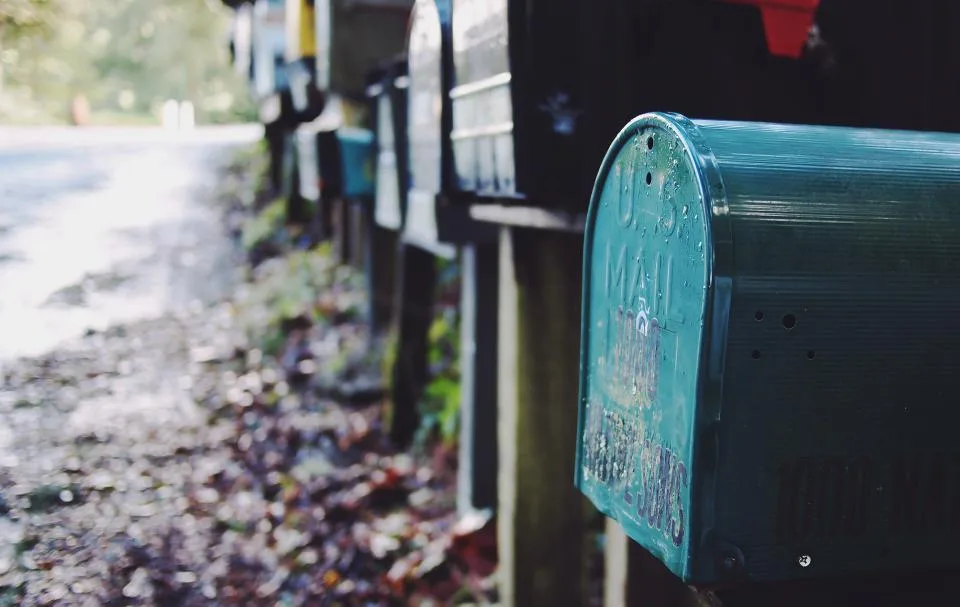

The holiday mail rush is here, and so are the packages. Informed Delivery is a free U.S. Postal Service tool that shows you what is on its way before it lands in your mailbox, which makes a missing gift or an important letter much easier to spot.
What Informed Delivery Does
According to USPS, the service shows preview images of incoming mail, plus status updates on packages coming to you and going out. You can see the previews in a daily email, on a dashboard, or in the Informed Delivery mobile app.
- Mail previews: grayscale images of the address side of incoming mail. A few items, such as catalogs and magazines, may show in color.
- Package tracking: incoming packages and outbound Click-N-Ship packages show up automatically. You can add other USPS tracking numbers by hand and give packages nicknames.
- Optional alerts: package tracking text or email alerts and Mail Delivery Notification emails, both turned on in your settings.
- Delivery tools: on the dashboard you can set USPS Delivery Instructions or schedule a redelivery. USPS says not every package is eligible.
It costs nothing.
How to Sign Up
- Go to the USPS Informed Delivery page and check that your address is eligible. USPS says most ZIP Codes are, and that a residential, business or PO Box address can qualify.
- If you already have a USPS.com account, open your account preferences, scroll to Informed Delivery and opt in. If you don’t, use the sign-up link on the USPS page to create one.
- Enter your address and account details.
- Verify your identity and address. If you can’t do this online, USPS says you can go to a USPS location that offers Identity Verification Services.
- Turn on the notifications you want, and check that email alerts are switched on.
Multifactor authentication is required for some users and recommended for everyone, USPS says. It is worth turning on.
What to Expect After You Sign Up
USPS says you will typically start getting notifications within three business days, though timing can vary. If nothing shows up, check your spam folder. The sender address USPS lists is USPSInformeddelivery@email.informeddelivery.usps.com.
Keep the limits in mind. Previews cover only letter-sized mail processed on USPS automated equipment, so large envelopes and packages won’t appear as images. Previews arrive only on days you get mail, so none on Sundays or federal holidays. Mail and packages may not arrive on the same day as the notification. Your mailbox also needs to have a unique code, and USPS notes that some apartments and condos may not.
Why It Helps During the Holidays
A daily preview lets you notice a check, a tax form or a card you were expecting. It also makes missing mail obvious fast. If a letter you expected never shows up in the preview, you know to ask the sender about it. And the package list gives you one place to see tracking, which pairs well with the steps in our guide to protecting holiday packages from porch theft.
One more practical tip: if you move, Informed Delivery does not follow you. USPS says to update your address through its Change of Address process.
More on Contoh
- How to Protect Holiday Packages From Porch Theft (and What to Do if One Goes Missing)
- How to Shop Online Safely on Black Friday and Cyber Monday